
What a project is
Projects are the software projects you want gloria.dev to help with. You can have as many projects as you want. Each project keeps its own inventory of dependencies, map of the architecture, documents, and health checks.
See Concepts for more detail.
Before starting, make sure Gloria is set up: Quickstart.
Register your first project
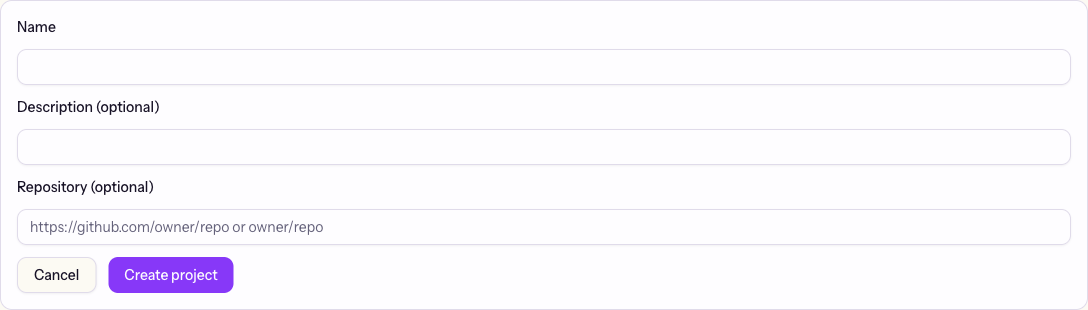
Start by giving your project a name. gloria.dev will give it a unique slug. You can keep it or adjust it if your team needs a different identifier. Add a repository URL if the project maps to a source repo; leave it out if not.
Example interaction:
Ask your agent: “Create a project called Acme API.”
Your agent adds the project, suggests a slug, and confirms when it is ready to use.
If the same project name or slug already exists, the new request updates that project instead of creating a duplicate.
You can also create the project from the web app’s project form if you prefer a dashboard flow.
Verify
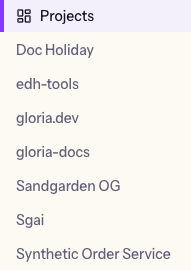
After the project is added, ask your agent to list the projects in the organization to check.
Ask your agent: “Show me the projects in my organization.”
Your agent returns the project list, and you can confirm that the new project appears with the right name and repository.
Next
Continue to Set Up Your Repo.